
Use cases / Claims & Returns Review
Check the media behind claims and returns.
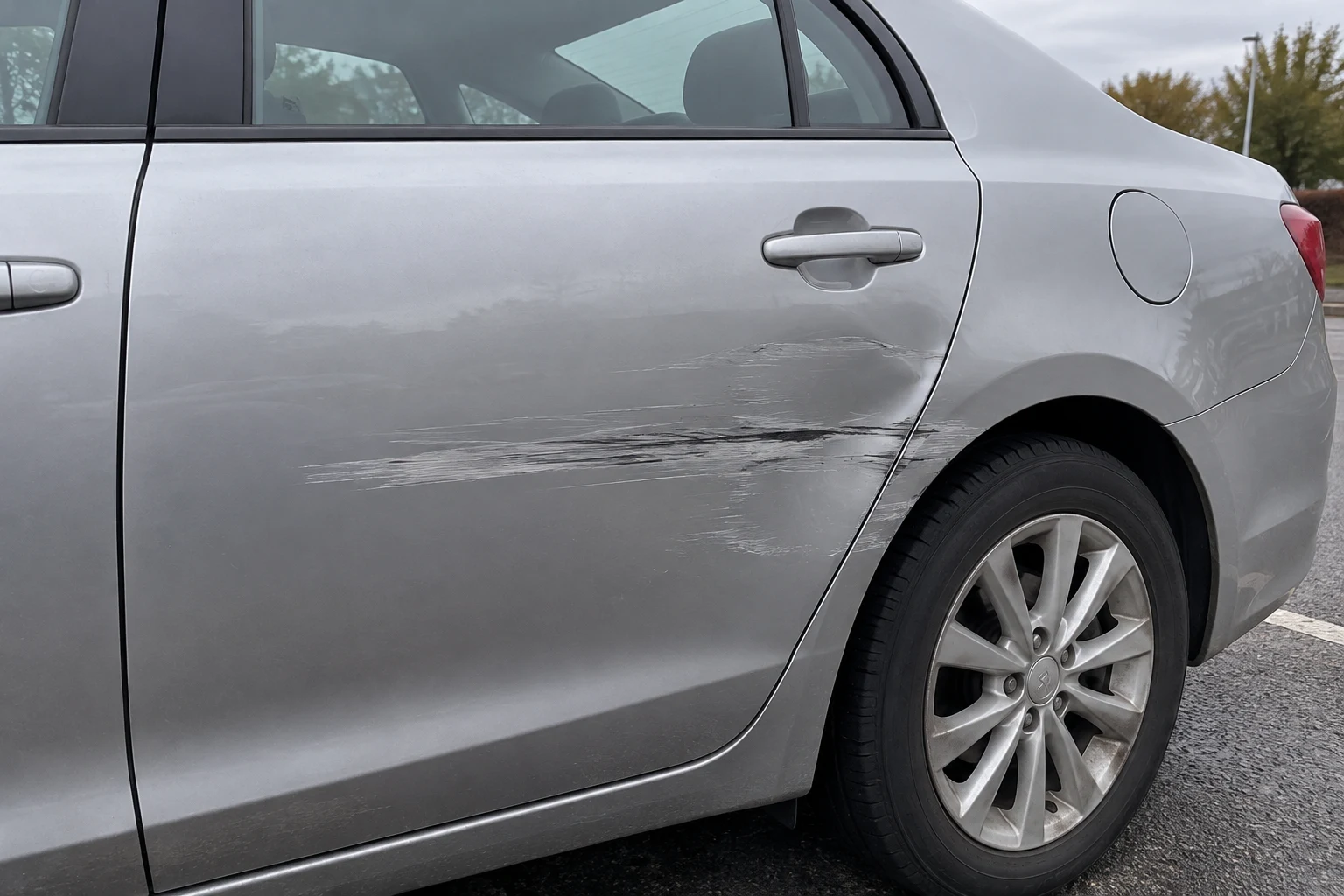
A photo can influence a damage claim or refund request. TracReal Detect assesses submitted photos and recorded video for manipulation signals, helping reviewers decide what to examine or request next.
Discuss claims and returns ↗Common evidence checks
Where a closer look helps

Damage claims
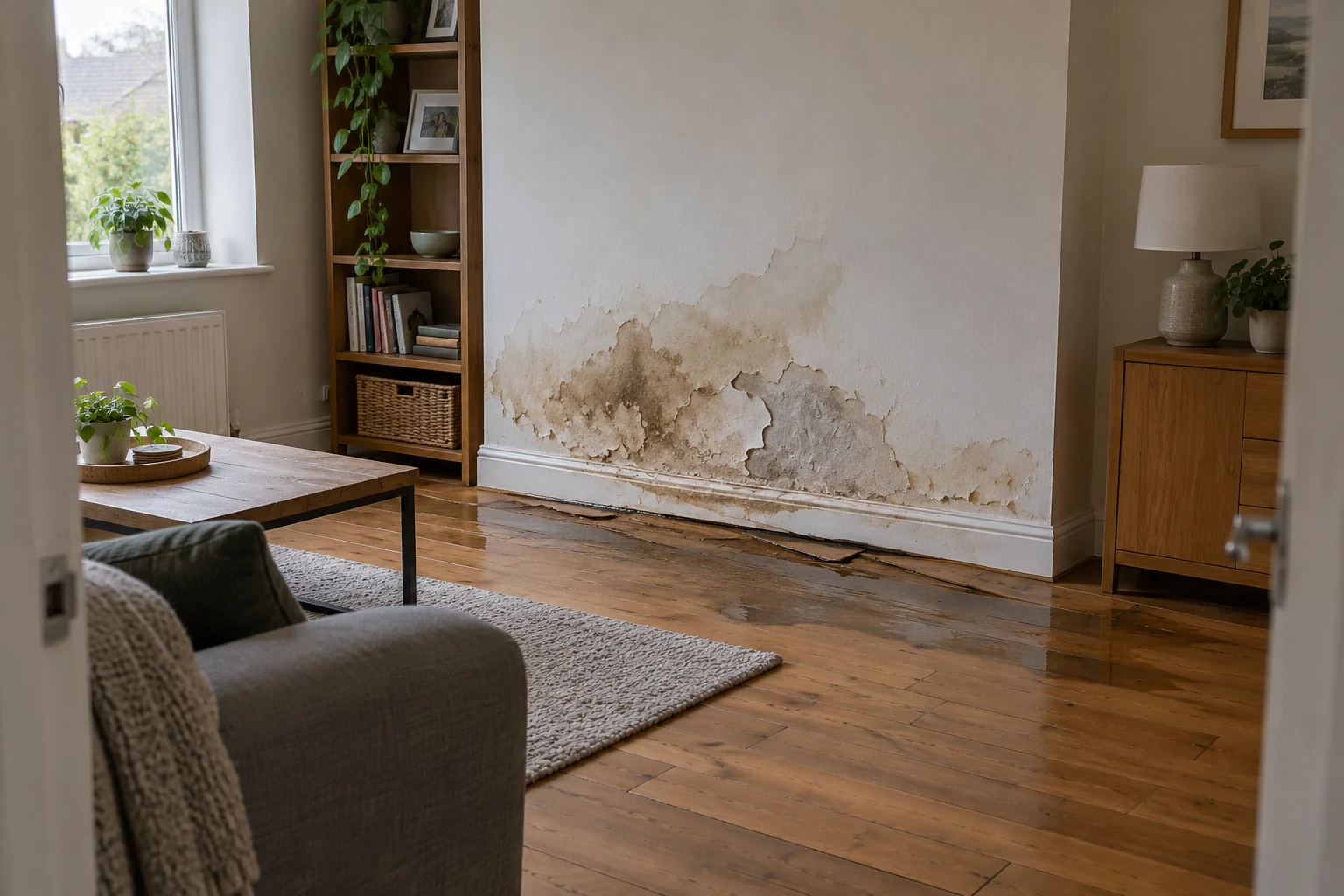
Review photos supplied with motor or property claims for signs of generated damage or altered condition. Detect helps identify media concerns that need attention within the case.

Return condition disputes
Assess the media behind damaged-item refunds and condition disputes. Available highlights and explanations help reviewers examine the submitted condition evidence.
Video supporting a claim
Check recorded walkthroughs or incident footage submitted with a claim. Any returned intervals help focus examination within the complete recording or a specialist referral.
How TracReal helps
Turn a media concern into the next evidence request.
- 01
Review one submitted file
Detect assesses the photo or recorded video alongside the claimed damage and the customer’s account. An inconclusive result can still need follow-up.
- 02
Connect the concern to the claim
Review available highlights and explanations to identify which part of the submission needs corroboration.
- 03
Request the view that resolves the concern
Ask for the original photo or another view of the affected area. The finding guides that request; it cannot establish when damage occurred, responsibility or eligibility.
Fit the check into your review.
Review supported files and keep findings with your case process. API access is by arrangement; routing and decisions stay in your system.
Start with the evidence your team receives.
Tell us what customers submit and where reviewers need a clearer next step.