
Use cases / Listing Media Verification
Spot misleading edits before a listing goes live.

For marketplace teams, property portals and vehicle sellers. TracReal Detect checks submitted photos and video for edits that may hide wear or add features, helping reviewers ask for the evidence they need before publication.
Try Detect ↗Common listing checks
Details that change the offer

Concealed item damage
Cracks, stains or wear removed from resale photos can change a buyer’s understanding of condition. Detect helps reviewers examine alteration concerns before accepting the description.

Invented property features
A window or view added to a property image can change expectations of the space. Use manipulation findings to review features alongside any staging disclosure.
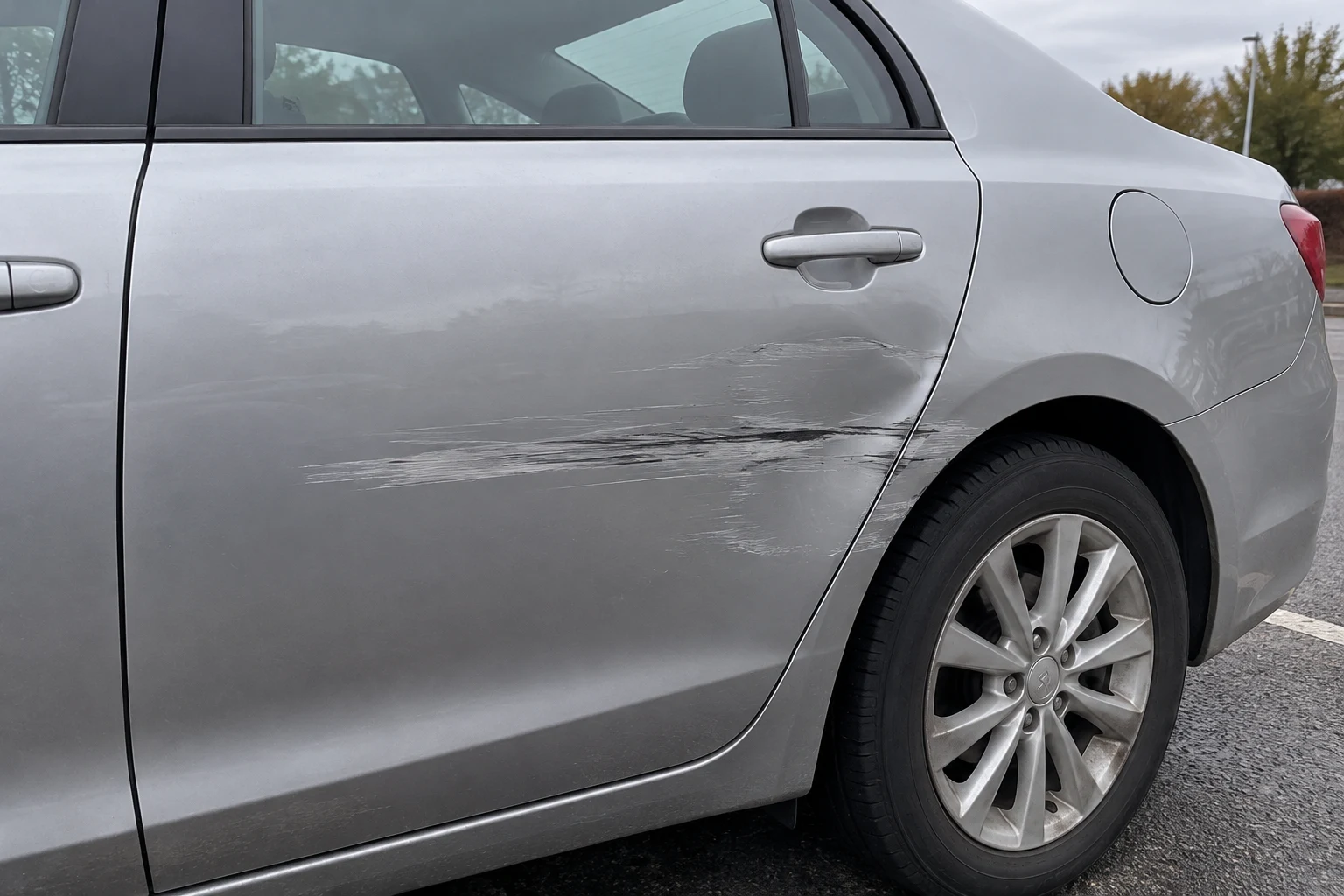
Retouched vehicle condition
Dents, scratches or interior wear concealed in inventory photos can conflict with a condition report. Available highlights and explanations help focus review on a relevant panel or surface.
How TracReal helps
Check the feature that changes the offer.
- 01
Review the submitted listing
Detect checks photos and video for manipulation signals. Review the assessment alongside the advertised features, condition claims and any staging disclosure.
- 02
Make the concern specific
Connect available highlights and explanations to the advertised feature or condition claim that needs corroboration.
- 03
Ask for evidence before approval
Request a current, unedited view or an inspection that addresses the concern. Your reviewers decide whether to approve the listing; media analysis alone cannot establish physical condition or seller identity.
Use Detect in your listing review.
Review individual files alongside the listing. API access is by arrangement; your integration can link returned findings to the listing in your review system.
Discuss your listing workflow.
Tell us what sellers submit and which claims your reviewers need to check.