
Check the media before you publish or respond.
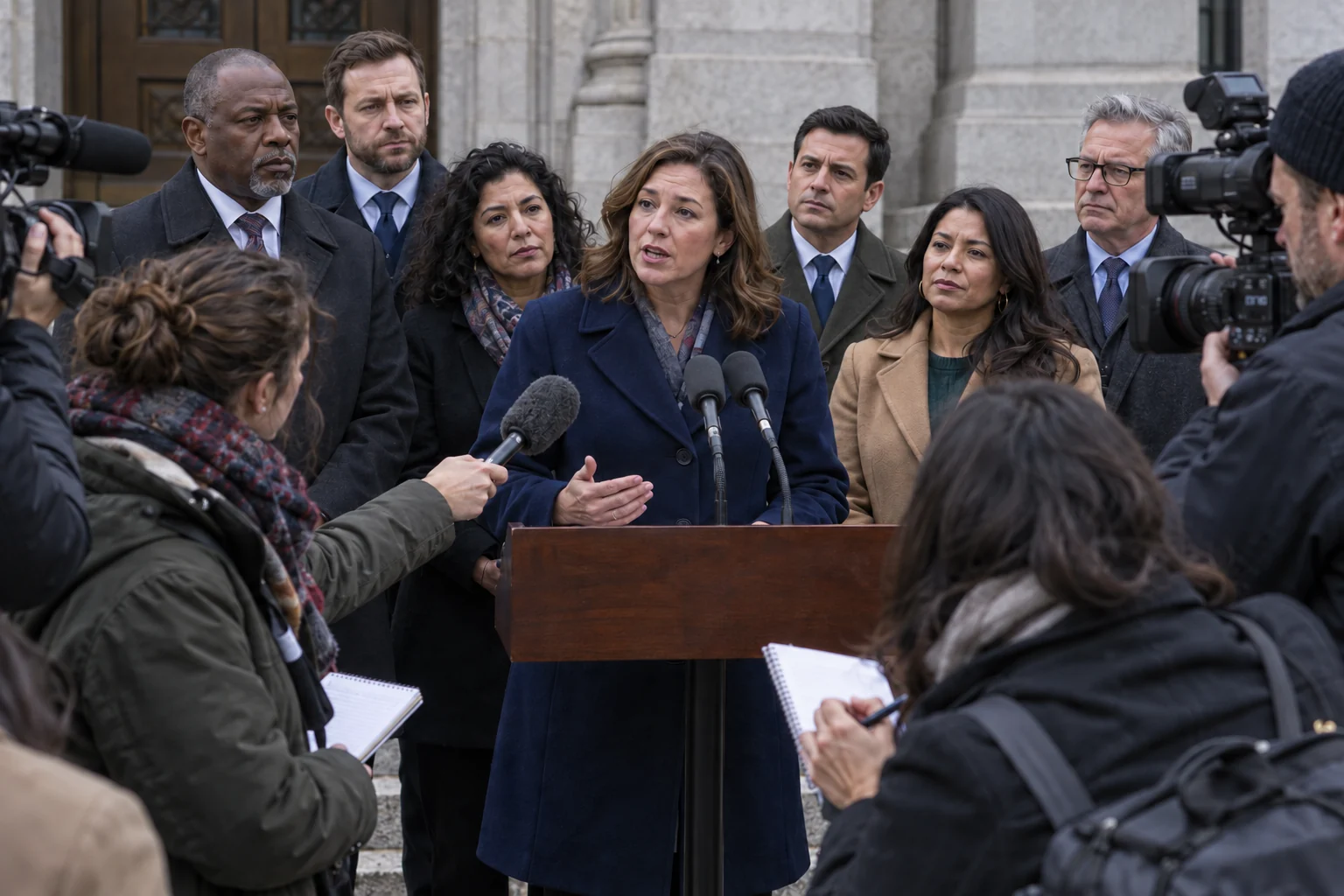
Submitted news visuals
A contributor’s image or clip appears to document an event. Detect checks for manipulation signals that may affect how a person, object or scene is used as evidence.
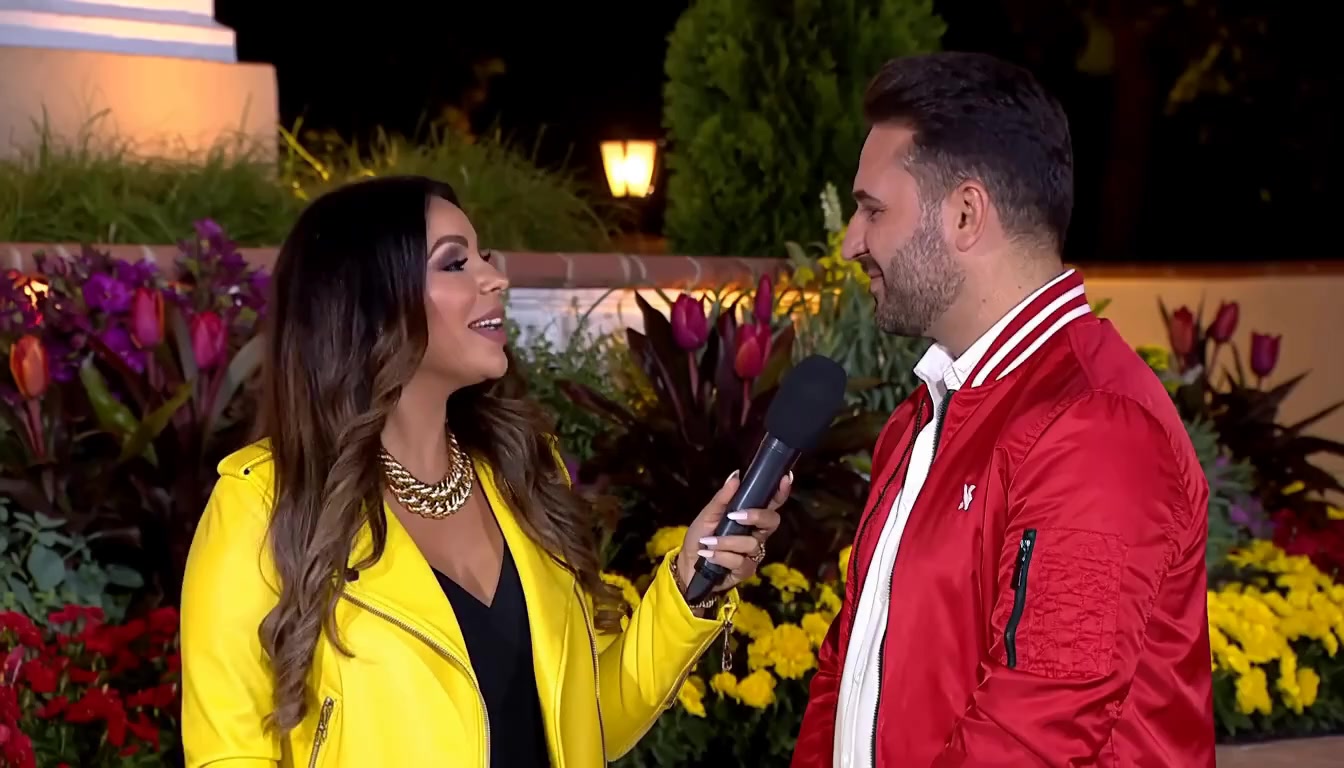
Reported impersonation
A video appears to show a public figure endorsing a product or an executive making an announcement. Analyze the supplied recording to focus your team’s review before responding.
Disputed public images
A published photograph is challenged as a deepfake. Use the assessment and available detail to examine the specific concern before preparing a correction or response.
Check the file you received
Detect assesses the submitted image or video for manipulation signals. You can begin with the file in hand; a supplied original is not required.
Focus on the claim that matters
Here, whether a person attended changes the story. Available highlights and explanations help an editor decide which detail needs corroboration.
Give the source a precise question
Use the finding to ask for another view or the original sequence before relying on the attendance claim. It guides an editor’s review; it does not prove the scene or caption.
The person behind the speaker.
The crop isolates the marked attendee from the submitted image. An edit here could change who the image appears to place at the briefing.